
Kagodora builder Template
$17.88
Description
Build Your Kagodora Calendar – Step‑by‑Step Guide
Welcome to the Kagodora Calendar Builder. Here you can create a unique, personalised calendar using images from our gallery – or your own approved images. Once built, you can either submit a private order (we’ll email you a quote) or list it on our marketplace for other members to buy.
🧱 How It Works
Select your calendar size – choose from:
Wall Calendar – 14″ × 11.5″
Wall Calendar – 11″ × 8.5″
Desktop Calendar – 10″ × 5″
Assign an image to each of the 25 pages (Cover → Back cover).
Click “Select Image” next to any slot.
A modal will open showing all approved gallery images.
Click on the image you want. It will appear as a thumbnail in the slot.
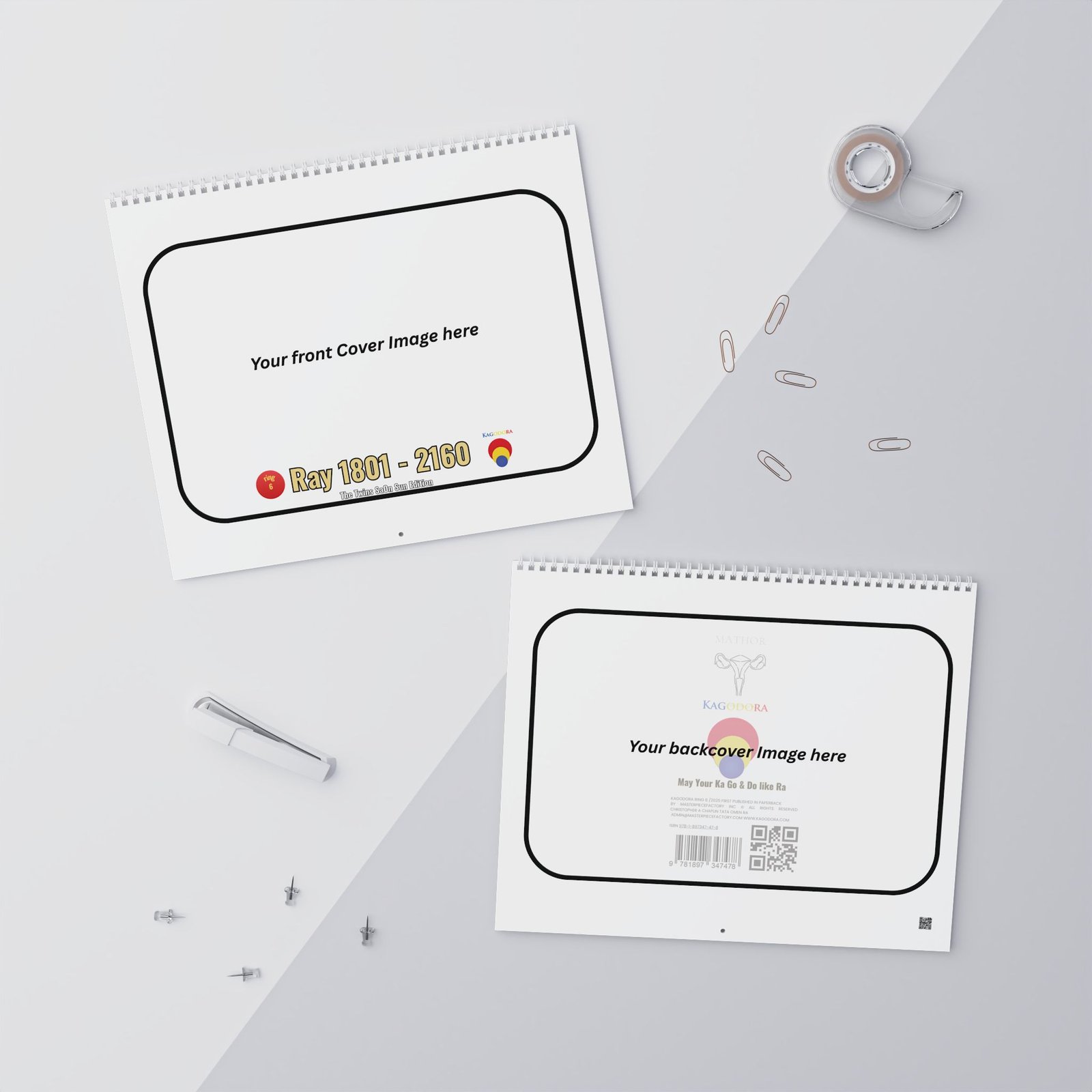
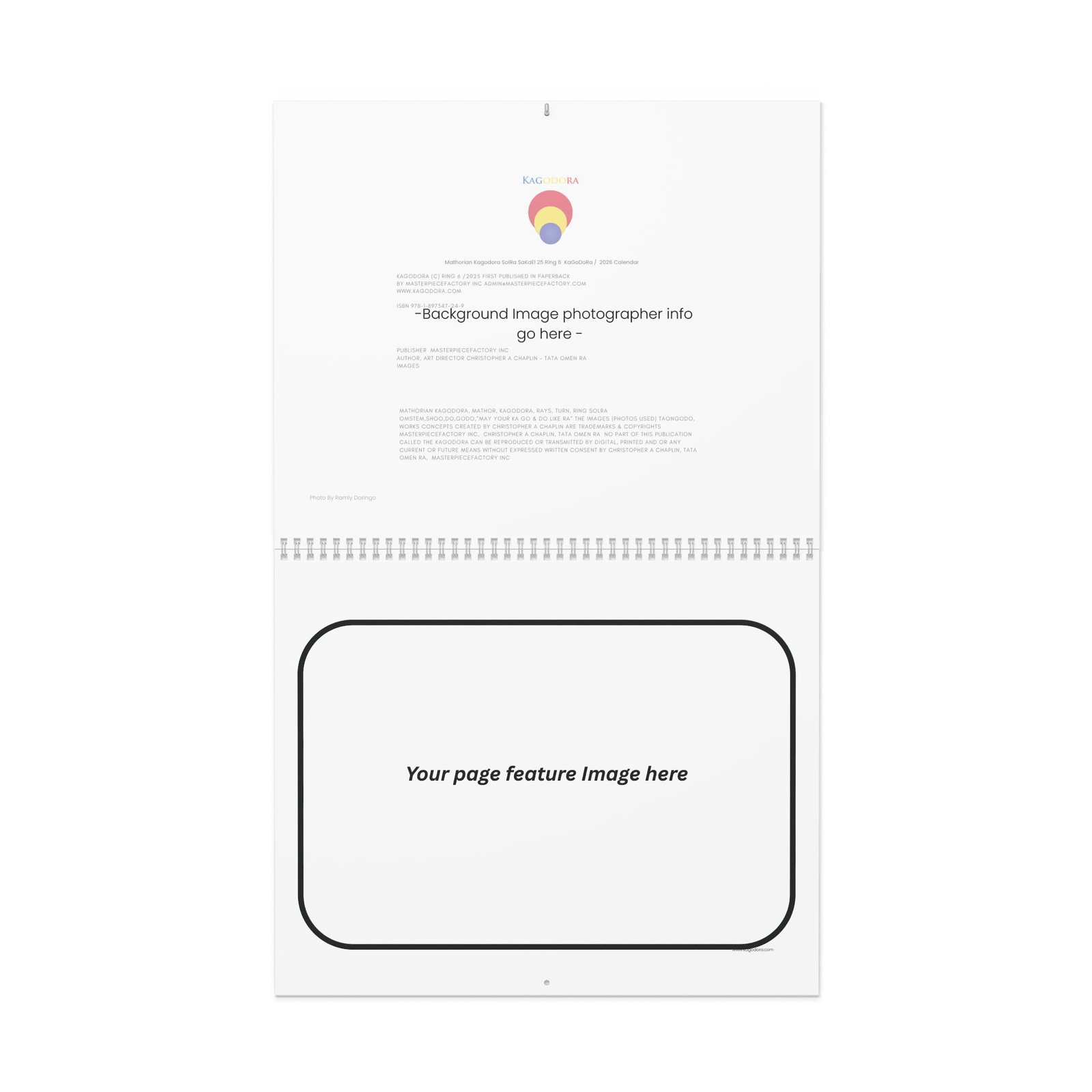
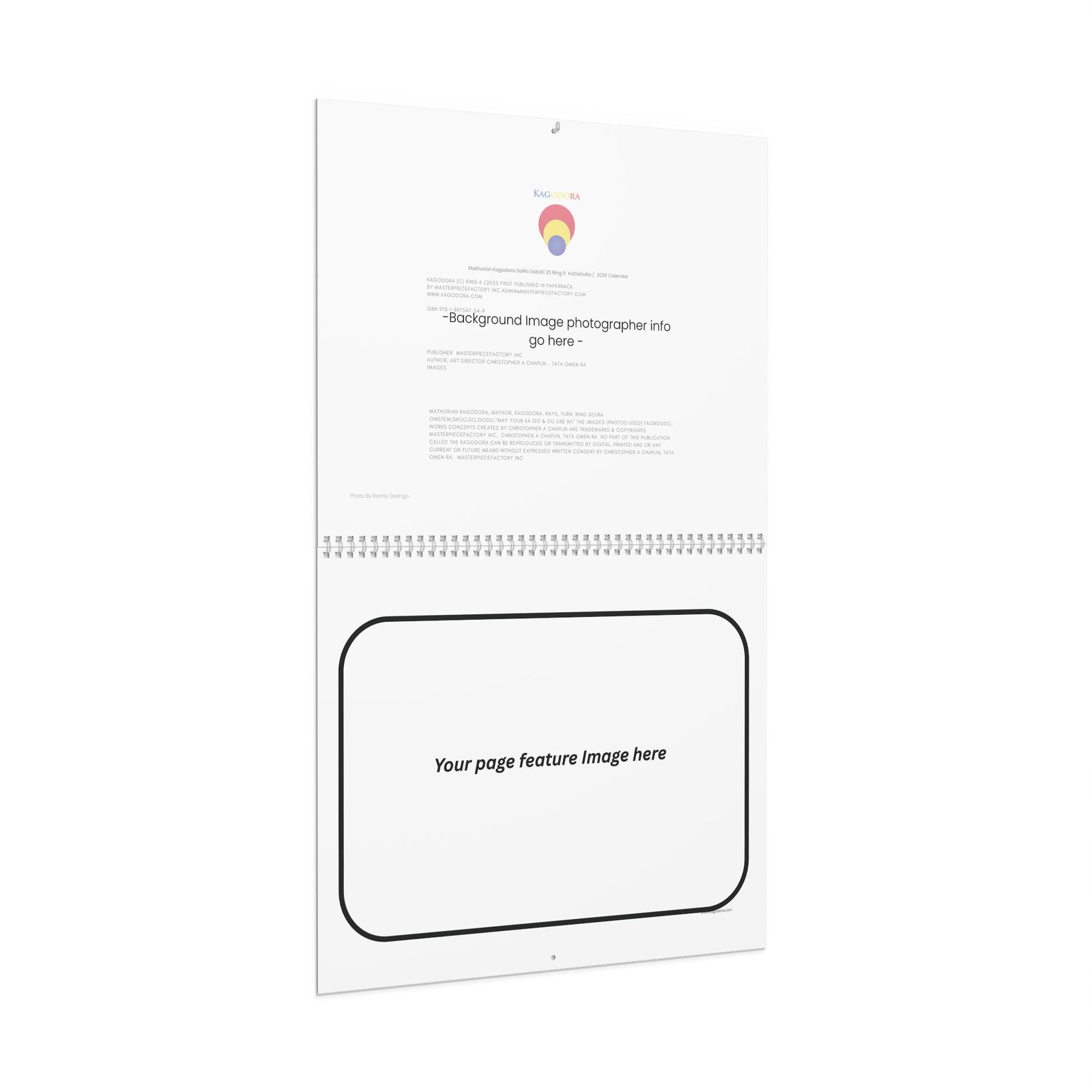
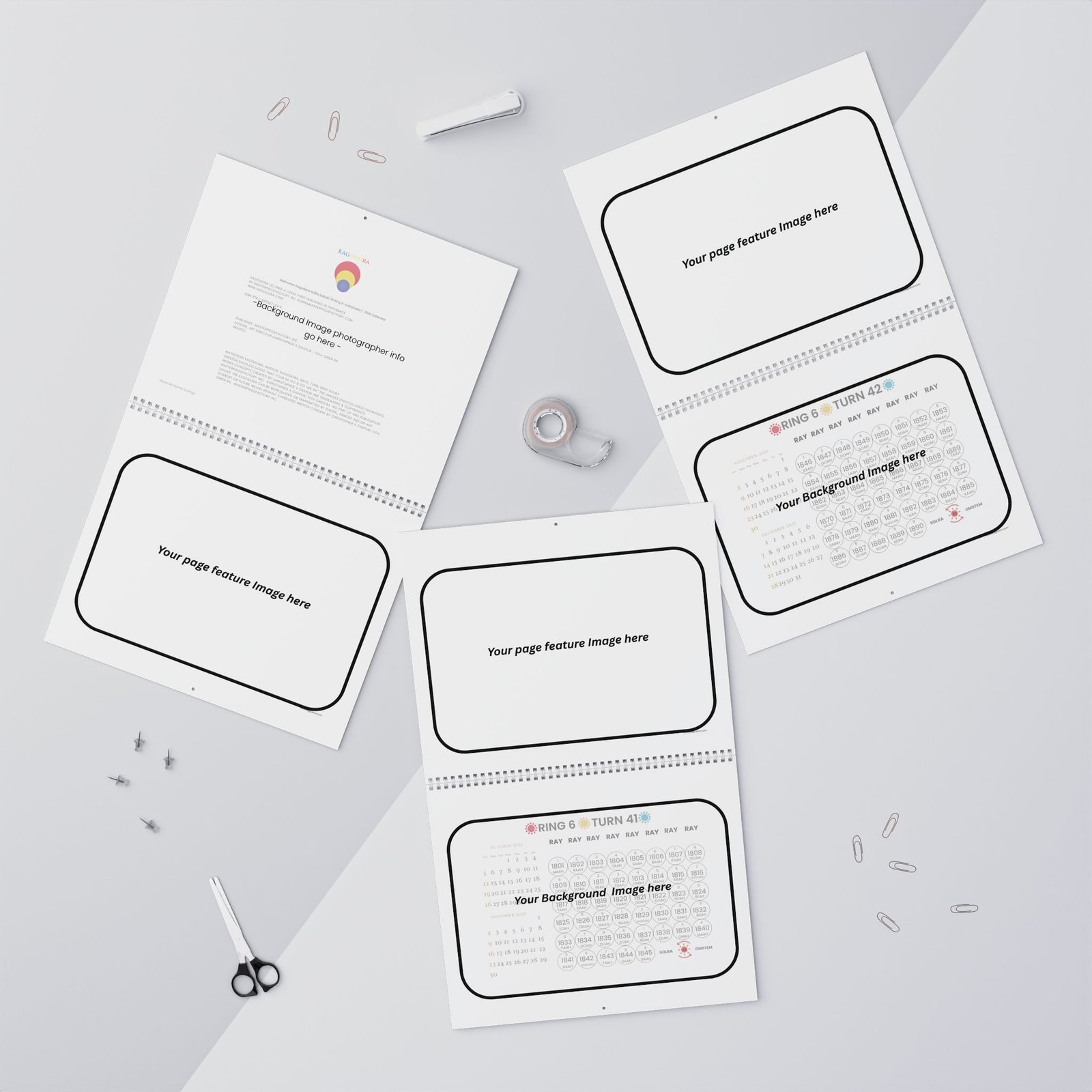
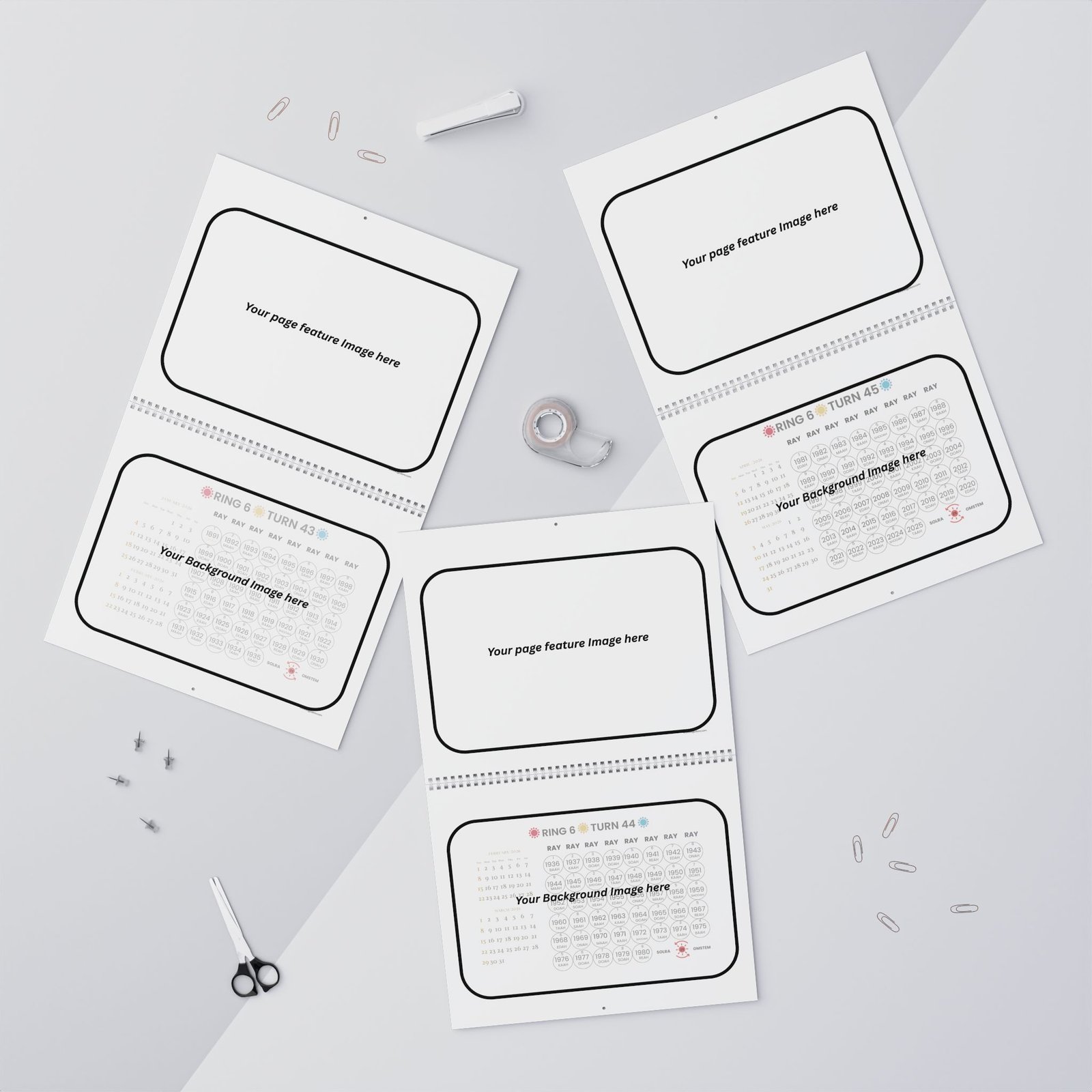
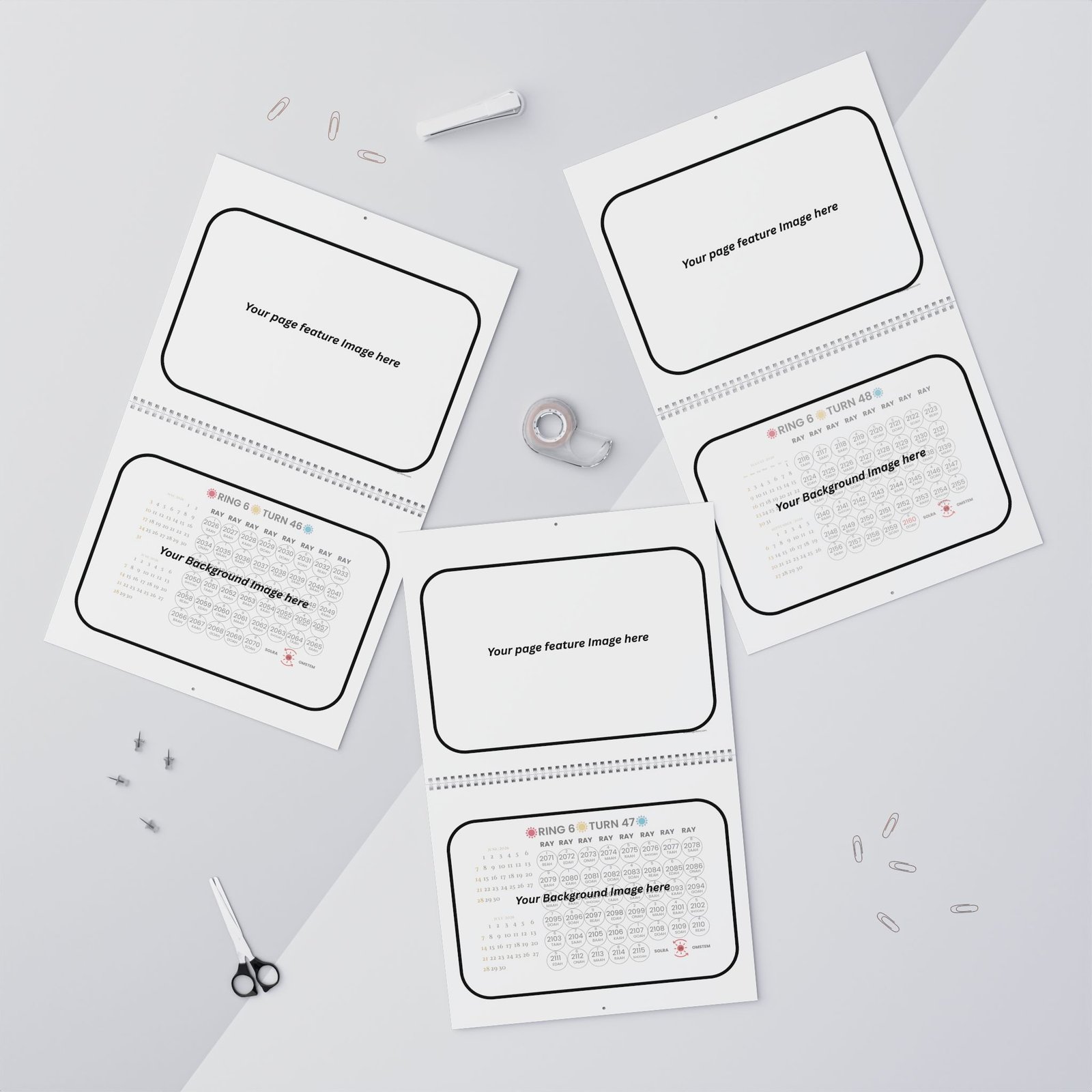
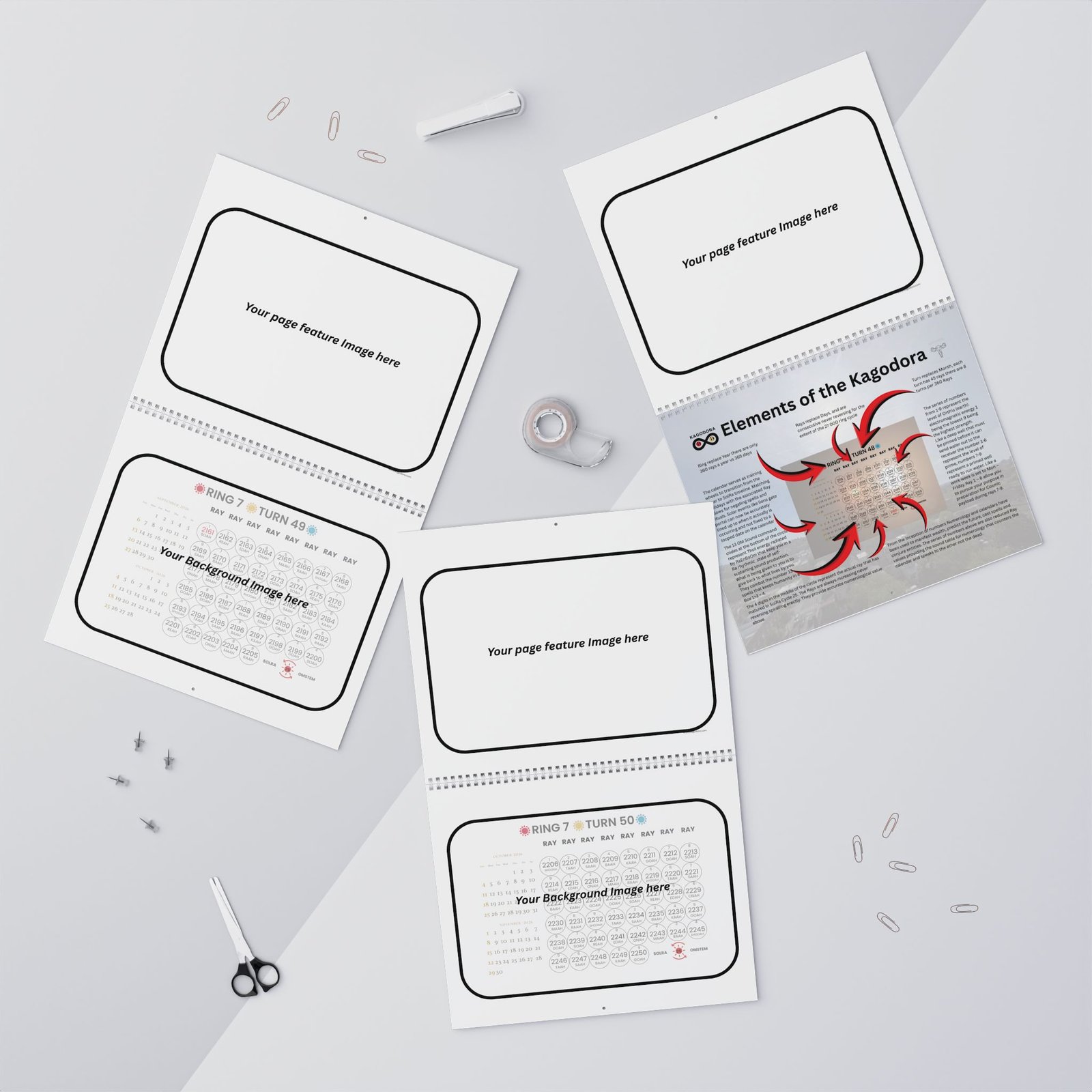
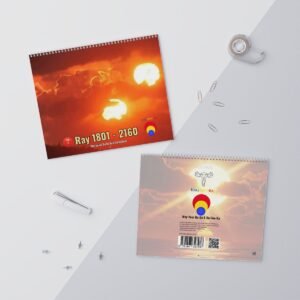
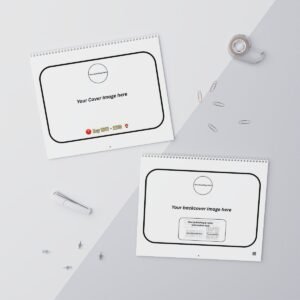
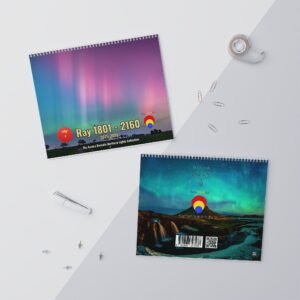
Preview your calendar – click “Preview Full Calendar” to see a realistic mock‑up of all pages with your chosen images overlaid on blank templates (bottom pages automatically have 36% opacity so dates remain visible).
Choose your action:
Submit Private Order – sends an email to our team. We will contact you with a quote and production details.
List on Marketplace – makes your calendar available for other members to buy. You must set a price (minimum $1). When your calendar sells, you earn 100 myCred points + 80% of the sale price (after platform fee). Each image owner earns 50 points + $0.50 per image used.
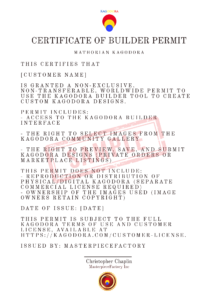
Agree to the Customer License – you must accept the license terms before submitting.
💡 Tips
You can use the same image on multiple pages.
If you don’t see an image you want, upload it first via the gallery upload form (costs 50 points, net 40 after approval).
Marketplace listings appear publicly. You can view, edit, or remove them from your account page.
❓ Need help?
Check our Earn Points page to learn how to build your point balance. For questions about orders or licensing, contact us through the support page.
Reviews
There are no reviews yet.